


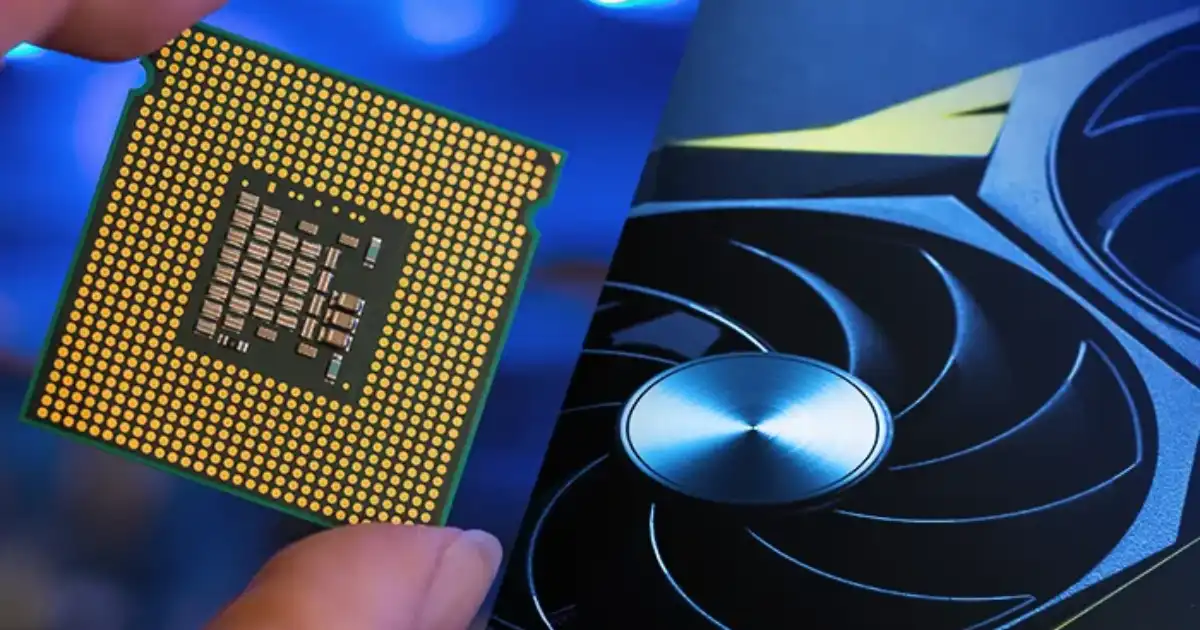
If you’ve ever shopped for a graphics card, built a PC, or tried to run AI models, you’ve seen the marketing: “10,000 CUDA cores!” or “Massive parallel processing!” But what does that actually mean, and why should you care beyond the buzzwords? I’ve worked with GPUs in real-world setups from gaming rigs to AI training servers and I’ve seen firsthand where theory meets reality, and where it spectacularly fails. Let’s break it down.
CPU cores are general-purpose problem solvers. They’re optimized for handling complex, branching instructions things like running your browser, managing memory, or executing logic-heavy code. They’re powerful individually, with large caches and advanced control logic. GPU cores, on the other hand, are stripped down and specialized for parallel number crunching. They sacrifice flexibility for scale.
In practice, this means CPUs are better for sequential tasks where each step depends on the previous one. GPUs shine when the same operation must be applied to massive datasets. I’ve seen developers try to offload everything to a GPU assuming “more cores = faster,” only to realize their code wasn’t parallel-friendly. When software isn’t designed to take advantage of parallel execution, most GPU cores just sit there doing nothing.
What GPU Cores Really Are
Think of a GPU core like a tiny worker in a factory. Each one is designed to handle very simple, repeatable tasks quickly. Unlike a CPU core, which is the brain of your computer and excels at juggling complex tasks in sequence, GPU cores are more like an army of ants working together on one huge problem: processing massive amounts of data in parallel.
Here’s a real-world analogy: Imagine you’re filling buckets with water. A CPU is one very smart person moving buckets one at a time, planning and adjusting for efficiency. A GPU? It’s a thousand people, each with a bucket, all dumping water simultaneously. If the task suits this model like graphics rendering or matrix math GPUs can outperform CPUs by an order of magnitude. But hand a GPU a single, complicated, logic-heavy task, and it will flounder.
How GPU Cores Work in Practice
In practice, each GPU core can’t do much individually. Their magic is in numbers and coordination. When you run a game, render a video, or train a neural network, software breaks the problem into thousands (or millions) of tiny pieces that each core can chew through.
Here’s an example I’ve seen in AI model training: A single matrix multiplication can be split across thousands of cores, each handling a small portion. The speedup is massive but only if the task is well-parallelized. If you’re trying to run something sequential, like a single-threaded physics calculation, most of those cores sit idle. That’s why benchmarks can sometimes be misleading.
CUDA cores are NVIDIA’s implementation of GPU cores, designed to work within the CUDA ecosystem. From a hardware perspective, they’re still parallel processing units optimized for mathematical operations. The difference isn’t that they magically do something other GPU cores can’t it’s that they’re tightly integrated with NVIDIA’s CUDA software platform.
Practical Implications for Buying or Using GPUs
-
Don’t chase core count blindly
More cores only matter if your software uses them efficiently. Some modern GPUs have 16,000+ cores, but a poorly optimized game or program won’t leverage them all.
-
Check memory bandwidth
GPU cores starve if memory can’t keep up. I’ve seen “high core count” GPUs bottleneck because memory speed or capacity was too low.
-
Consider software support
In AI, CUDA cores shine if you’re using frameworks like PyTorch or TensorFlow. For gaming, the rendering engine matters more than raw numbers.
-
Thermals and power
More cores generate more heat. In small cases or laptops, the GPU can throttle, dropping real performance far below spec sheets.
GPU Cores in AI and Deep Learning
This is where GPUs really earn their keep. Deep learning involves enormous matrix multiplications and parallelizable tasks. That’s exactly the kind of work GPUs were designed for. I’ve seen training times drop from days to hours simply by moving models from CPU to GPU. But again, more isn’t always better: AI frameworks optimize for certain GPU architectures, and sometimes fewer but faster cores can outperform a brute-force core-count monster.
In real-world AI and scientific computing, this ecosystem advantage is huge. Frameworks like PyTorch and TensorFlow are heavily optimized for CUDA. I’ve personally seen projects run significantly smoother on CUDA-supported hardware simply because of mature drivers and better software tooling.
So when people talk about CUDA cores, they’re often really talking about access to NVIDIA’s development ecosystem not just raw hardware differences.
You Might Be Interested In
- What Are Best Ai Cybersecurity Tools For Smbs?
- Ai Tools For Social Media Scheduling And Content Ideas
- What Are The 5 Things Ai Cannot Do?
- How Do Disaster Recovery Services Support Compliance?
- How To Build An Evaluation Set For An Llm App Without Months Of Work?
Conclusion
Understanding GPU cores isn’t just about memorizing numbers or chasing the highest core count on a spec sheet. In practice, their power lies in parallelism: thousands of simple cores working together to tackle massive tasks in graphics rendering, AI, and scientific computing. The difference between GPU and CPU cores, the role of CUDA cores, and the importance of software optimization all determine whether a GPU reaches its potential or sits underutilized.
In real-world applications, more cores don’t automatically mean better performance. Factors like memory bandwidth, clock speed, architecture, and the ability of software to leverage parallel processing often matter more than raw numbers. For AI, deep learning, and other computation-heavy tasks, GPU cores can be transformative, reducing training times from days to hours. But the key takeaway is this: understanding how GPU cores actually work allows you to make smarter hardware choices, optimize workloads effectively, and avoid the common pitfalls that even seasoned users fall into.
FAQs
What does a GPU core do?
A GPU core is a small processing unit built to perform simple mathematical operations extremely quickly. Most of the work involves calculations like addition, multiplication, and comparisons. These operations might sound basic, but they’re the foundation of tasks like rendering graphics, processing images, and running machine learning algorithms. A single GPU core handles only a tiny piece of the workload, but GPUs contain hundreds or thousands of these cores working simultaneously.
In real-world scenarios, GPU cores divide large tasks into smaller pieces and process them in parallel. For example, when rendering a video game frame, different cores may calculate lighting, textures, and colors for different pixels at the same time. In AI workloads, they process chunks of matrix calculations used in neural networks. The strength of GPU cores isn’t individual complexity but the ability to process massive numbers of simple calculations all at once.
How are GPU cores different from CPU cores?
CPU cores are designed to handle complex tasks and make decisions quickly. They are powerful, flexible, and capable of running a wide range of software operations, including operating systems, applications, and system-level processes. Each CPU core focuses on executing instructions sequentially and efficiently, which makes it ideal for tasks that require logic, branching, and rapid switching between different types of instructions.
GPU cores, on the other hand, are specialized for performing many similar operations simultaneously. They are simpler than CPU cores but exist in much larger numbers. Instead of handling complicated decision-making processes, GPU cores focus on repeating the same mathematical operation across large datasets. This design makes them extremely effective for graphics rendering, scientific simulations, and deep learning tasks where thousands of calculations can run in parallel.
Does more GPU cores always mean better performance?
Having more GPU cores can improve performance, but it does not guarantee faster results in every situation. Performance depends on several factors, including how well the software can distribute work across those cores. If an application is designed to run many operations in parallel such as video rendering or AI training then a higher core count can lead to noticeable performance improvements.
However, other hardware factors like memory bandwidth, GPU architecture, and clock speed also play important roles. Sometimes a GPU with fewer but more efficient cores can outperform another GPU with a higher core count. Software optimization matters as well; if a program cannot effectively use parallel processing, many GPU cores may remain underutilized.
What are CUDA cores and how are they different?
CUDA cores are the parallel processing units used in GPUs developed by NVIDIA. They function similarly to general GPU cores but are specifically designed to work within NVIDIA’s CUDA computing platform. CUDA allows developers to write programs that directly use the GPU for tasks beyond graphics, including scientific computing, data analysis, and artificial intelligence.
The main difference lies in the ecosystem and software support. CUDA cores work closely with the CUDA programming framework, which provides tools and libraries that allow applications to tap into GPU acceleration efficiently. Other GPU manufacturers, such as AMD and Intel, have their own parallel processing architectures, but CUDA remains widely used because of its mature developer tools and strong support in many AI and computing frameworks.
Can GPU cores help with AI and deep learning?
GPU cores are extremely valuable for artificial intelligence and deep learning because these fields rely heavily on mathematical operations that can be processed in parallel. Training neural networks involves large-scale matrix multiplications and vector operations, which GPUs can distribute across thousands of cores simultaneously. This allows AI models to train significantly faster compared to running the same workloads on CPUs alone.
Many modern machine learning frameworks are built to take advantage of GPU acceleration. Tools like TensorFlow and PyTorch can automatically distribute computations across GPU cores during model training. As a result, tasks that might take days on a CPU can often be completed in hours on a GPU, making GPU cores a critical component in modern AI research and development.
