


If you have ever opened a heavy application, switched between too many browser tabs, or played a game while something else runs in the background, you have probably seen this strange behavior: the CPU feels fast for a moment, then suddenly everything slows down even though “you still have RAM left.”
Most people assume RAM is the main speed factor. So when things lag, they think “I need more RAM.” But in real systems, that is only part of the story. What actually decides whether your system feels instant or sluggish is how often the CPU can avoid going out to RAM in the first place.
In practice, the biggest performance gaps do not come from RAM size alone. They come from how well cache memory is doing its job sitting between the CPU and RAM. Once you understand that relationship, a lot of confusing performance behavior suddenly makes sense.
Memory Hierarchy (How Real Systems Actually Work)
In a real CPU, memory is not one flat pool. It is a hierarchy, and every level exists because of one simple problem: speed vs distance.
At the very top, you have CPU registers. These are tiny storage locations inside the CPU itself. They are absurdly fast, but you can only fit a handful of values there at a time.
Next comes cache memory. Usually split into L1, L2, and sometimes L3 cache. This is still inside or extremely close to the CPU chip. Cache is built to predict what data the CPU will need next and keep it ready.
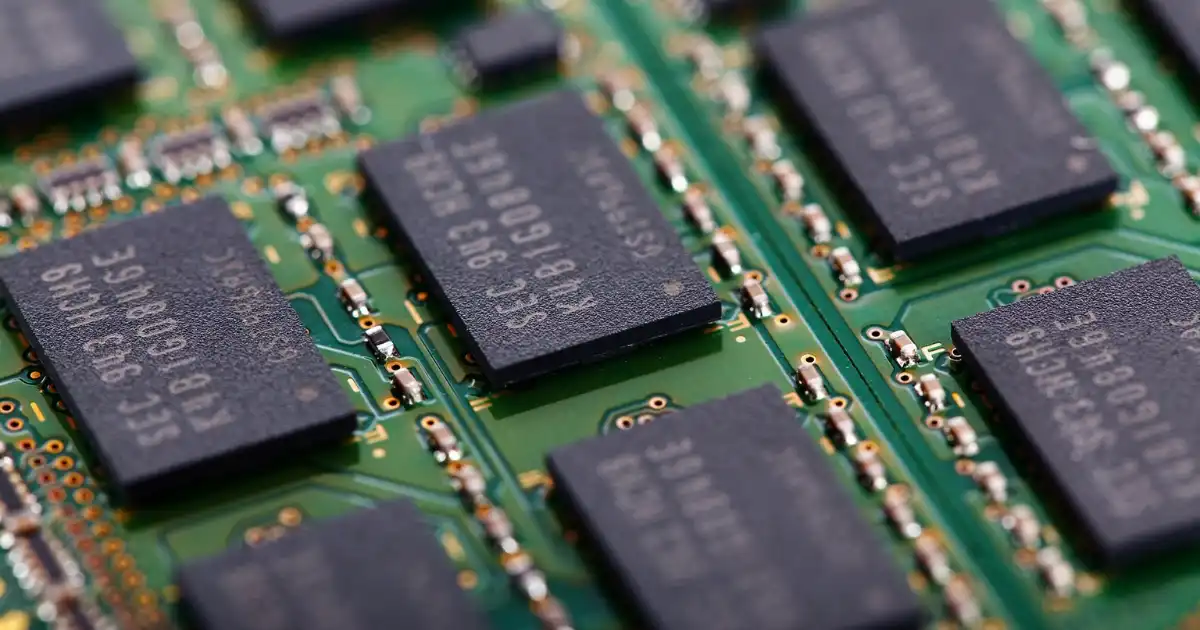
Then comes RAM. This is your system memory, sitting outside the CPU on separate chips. It is much larger, but also much slower compared to cache.
Finally, you have storage like SSDs or hard drives, which are slower again, but that is a different layer entirely.
The key idea is simple: the closer the memory is to the CPU, the faster it is, but the smaller and more expensive it becomes. The farther away it is, the slower it gets, but you can store much more.
What people often miss is that performance is not just about “speed of RAM.” It is about how often the CPU is forced to leave the fast layers and go down the hierarchy.
What Cache Memory Actually Does in Practice
Cache is not just “faster RAM.” That is a misleading mental model.
In real CPU behavior, cache is a prediction system.
The CPU executes instructions extremely fast, but it constantly needs data. Instead of waiting for RAM every time, it checks cache first. If the data is there, it is called a cache hit, and execution continues almost instantly.
If the data is not there, it is a cache miss, and the CPU has to fetch it from a lower level, usually RAM.
What matters here is not just speed, but frequency. Modern CPUs are designed on the assumption that most data accesses will be reused or nearby. This is called locality of reference.
So cache is basically a very aggressive shortcut system. It tries to keep “hot” data close to the CPU based on patterns like loops, repeated function calls, or nearby memory access.
In real workloads, cache effectiveness can completely change performance. I have seen cases where the same algorithm runs 5 to 20 times slower just because memory access patterns were not cache friendly.
That is how sensitive modern CPUs are to cache behavior.
What RAM Actually Does in Practice
RAM is the system’s main working memory. It holds everything that does not fit in cache: application data, code, browser tabs, game assets, background services.
But RAM is not involved in every CPU instruction. That is the misconception.
In practice, RAM acts more like a staging area. The CPU pulls chunks of data from RAM into cache, works on them, and only occasionally goes back for more.
When people say “my system is using 12 GB of RAM,” that does not mean the CPU is constantly reading from it. It just means that data is resident there.
The real performance question is: how often does the CPU actually need to access RAM because cache failed?
RAM latency is much higher than cache, so every time the CPU has to go there, it stalls waiting for data. And unlike cache, RAM is not designed for CPU-speed interaction. It is designed for capacity and cost efficiency.
So RAM is essential, but it is not where performance “feels” fast. It is where data lives.
RAM vs Cache Memory in Real Performance Terms
If you compare RAM and cache in pure technical terms, it looks like this:
Cache
- Extremely fast
- Very small
- Located on or inside CPU
- Very expensive per byte
RAM
- Much slower
- Much larger
- Located outside CPU
- Much cheaper per byte
But those numbers alone do not explain real performance impact.
What actually matters is how often the CPU has to wait.
Cache access is usually measured in nanoseconds. RAM access is significantly slower, often multiple times higher latency. That difference might sound small, but at CPU clock speeds, it translates into hundreds of wasted cycles.
So even if RAM is “fast” in human terms, from the CPU perspective it is painfully slow.
This is why two systems with identical RAM size can behave completely differently depending on cache efficiency. One keeps the CPU busy with cache hits. The other constantly stalls waiting for RAM.
Why Cache is Faster Than RAM
The reason cache is faster is not just design optimization. It is physical reality.
Cache is built using SRAM (Static RAM). SRAM does not need constant refreshing and can be accessed extremely quickly, but it takes a lot of transistors per bit. That makes it expensive and space-heavy.
RAM, on the other hand, is DRAM (Dynamic RAM). DRAM stores data as electrical charges that must be refreshed constantly. It is slower because the CPU cannot instantly read it without dealing with that refresh and longer electrical paths.
There is also a physical distance factor. Cache sits extremely close to the CPU core. Some cache levels are literally inside the same chip. RAM sits on separate modules connected through memory controllers and traces on the motherboard.
In real engineering terms, distance matters more than people expect. Electrical signals take time to travel. At CPU speeds, even nanoseconds of delay matter.
So cache wins because it is:
- physically closer
- built from faster memory type
- optimized for immediate CPU access
RAM is slower because it is designed for density, not speed.
What Actually Happens During Cache Misses
This is where performance really shows itself.
When the CPU requests data, it first checks L1 cache. If it is not there, it checks L2, then L3. If all cache levels miss, only then does it go to RAM.
At that moment, the CPU is not “working faster.” It is waiting.
Modern CPUs try to hide this delay using techniques like out-of-order execution, meaning they do other work while waiting. But that only works if there is independent work available.
If the workload is tightly dependent on the missing data, the CPU stalls. And that stall is expensive.
In practice, a RAM fetch can cost hundreds of CPU cycles. That is enough time for the CPU to execute thousands of simple instructions.
So a single cache miss is not just a small delay. It can create a ripple effect that slows down entire execution paths.
This is why performance engineers obsess over cache locality. It is not theoretical. It directly affects how much of the CPU is actually doing useful work.
Real-World Impact
In gaming, cache behavior often matters more than raw RAM size. Many game engines rely on repeated access to nearby memory structures like textures, physics objects, and AI state. If those structures fit well in cache, frame rates stay stable. If they constantly spill into RAM, you get stutters even on high-end systems.
In applications like video editing or large spreadsheets, RAM becomes more visible because datasets exceed cache size easily. But even then, performance depends heavily on access patterns. Sequential access is friendly. Random access destroys cache efficiency.
On servers, cache is everything. A database query that fits in cache can be microseconds fast. The same query that keeps hitting RAM becomes dramatically slower under load. This is why high-performance systems are designed around caching strategies at multiple levels, not just hardware but software too.
For multitasking, RAM capacity matters more, but cache still controls responsiveness. When switching between apps, the CPU benefits from cached working sets. If everything has been evicted from cache, the system feels “cold” and slower for a moment even if RAM is free.
So real-world performance is always a combination of both, but cache is what defines “instant feel.”
Simple Analogy
Think of the CPU like a chef cooking at high speed.
Cache is the ingredients placed right on the countertop. The chef can grab them instantly without thinking.
RAM is the refrigerator in the next room. It has much more food, but every trip takes time.
If everything the chef needs is already on the counter, cooking is smooth and fast. If the chef constantly runs to the fridge, most of the time is spent walking instead of cooking.
The important detail is that the chef is extremely fast. So even small delays walking to the fridge become very noticeable.
That is essentially what cache misses feel like inside a CPU.
You Might Be Interested In
- 9 Ai Tools To Generate Seo Content
- What Is Robotics In Real Life?
- What Ai Contract Analyzers Can Catch?
- What Are Data Pipeline Vulnerabilities In Ai Systems?
- How To Get Rid Of My Ai On Snapchat?
Conclusion
Cache and RAM are not competing for the same job. Cache is about speed and keeping the CPU continuously fed with data it is likely to use next. RAM is about capacity and holding everything the system needs but cannot keep close to the CPU at all times. Real performance depends on how effectively the CPU avoids going down to RAM, not just how much RAM you have installed.
Once you understand this hierarchy, system performance starts to make more sense. Slowdowns are rarely about “not enough RAM speed” alone. They are usually about memory access patterns forcing the CPU to wait on data that should have been closer. And that is why cache, despite being small and invisible to most users, ends up being one of the most important performance factors in modern computing.
FAQs
What is the main difference between RAM and cache memory?
The main difference comes down to purpose and proximity to the CPU. Cache memory is designed to feed the CPU as quickly as possible with the data it is most likely to use next, while RAM is designed to store much larger amounts of active data that the system needs but cannot keep close to the CPU all the time. Cache sits physically much closer to the CPU cores and uses faster but more expensive memory technology, while RAM sits farther away and prioritizes capacity over speed.
In real performance terms, this means cache handles “hot” and frequently accessed data, reducing the number of times the CPU has to wait. RAM only gets involved when the data is not already available in cache. So even though both are types of memory, they operate at completely different layers of the performance hierarchy.
Why is cache memory faster than RAM?
Cache is faster mainly because of two reasons: the type of memory it uses and its physical location. Cache is built using SRAM, which does not require constant refreshing and can respond extremely quickly to CPU requests. RAM uses DRAM, which is denser and cheaper but requires refresh cycles and has higher latency when accessed.
On top of that, cache is placed extremely close to or inside the CPU chip itself, which reduces the time it takes for electrical signals to travel back and forth. At CPU speeds, even tiny delays matter, so this proximity gives cache a massive advantage. That is why cache can respond in a few CPU cycles, while RAM access can take hundreds.
What happens when data is not found in cache?
When the CPU looks for data, it first checks L1, then L2, then L3 cache. If the data is not found in any of these levels, it is called a cache miss, and the CPU has to fetch it from RAM. This process is significantly slower compared to cache access, and during that time the CPU may stall or try to execute other independent instructions if available.
In real systems, frequent cache misses can seriously degrade performance because the CPU ends up waiting on memory instead of doing computation. Even though modern CPUs try to hide some of this delay using techniques like out-of-order execution, workloads with poor memory access patterns still suffer noticeable slowdowns.
Does having more RAM improve performance?
Having more RAM improves performance only when your system is running out of memory and starts swapping data to disk, which is much slower. If you already have enough RAM for your workload, adding more does not directly make the CPU faster or improve cache performance.
What people often misunderstand is that RAM size does not affect how quickly data is accessed by the CPU in normal conditions. Once data is in RAM, the real performance bottleneck is whether it can be efficiently moved into cache and reused. So after a certain point, increasing RAM helps stability and multitasking, but not raw speed.
How does cache memory affect gaming and application speed?
Cache memory has a huge impact on how smooth games and applications feel because modern software constantly reuses data like game states, physics calculations, UI elements, and object positions. When this data stays in cache, the CPU can process it extremely quickly, resulting in stable frame rates and responsive applications.
However, when the working data does not fit well in cache or has poor access patterns, the CPU has to fetch it from RAM more often. This introduces delays that can show up as stuttering in games or lag in applications, even if the system has plenty of RAM and a powerful CPU. In many real-world cases, cache efficiency matters more than raw hardware specifications for perceived smoothness.
